
Machines
The iOS app
Pair the Termio iOS app with a machine over a QR code and check in on a running agent from your phone — connecting only to machines you own, never through a relay of ours.
Termio for iPhone is a companion, not a separate service. It connects to machines you own — your Mac, or a box that Mac set up — over your local network or a tunnel you configure. There’s no relay of ours in between.
Pairing
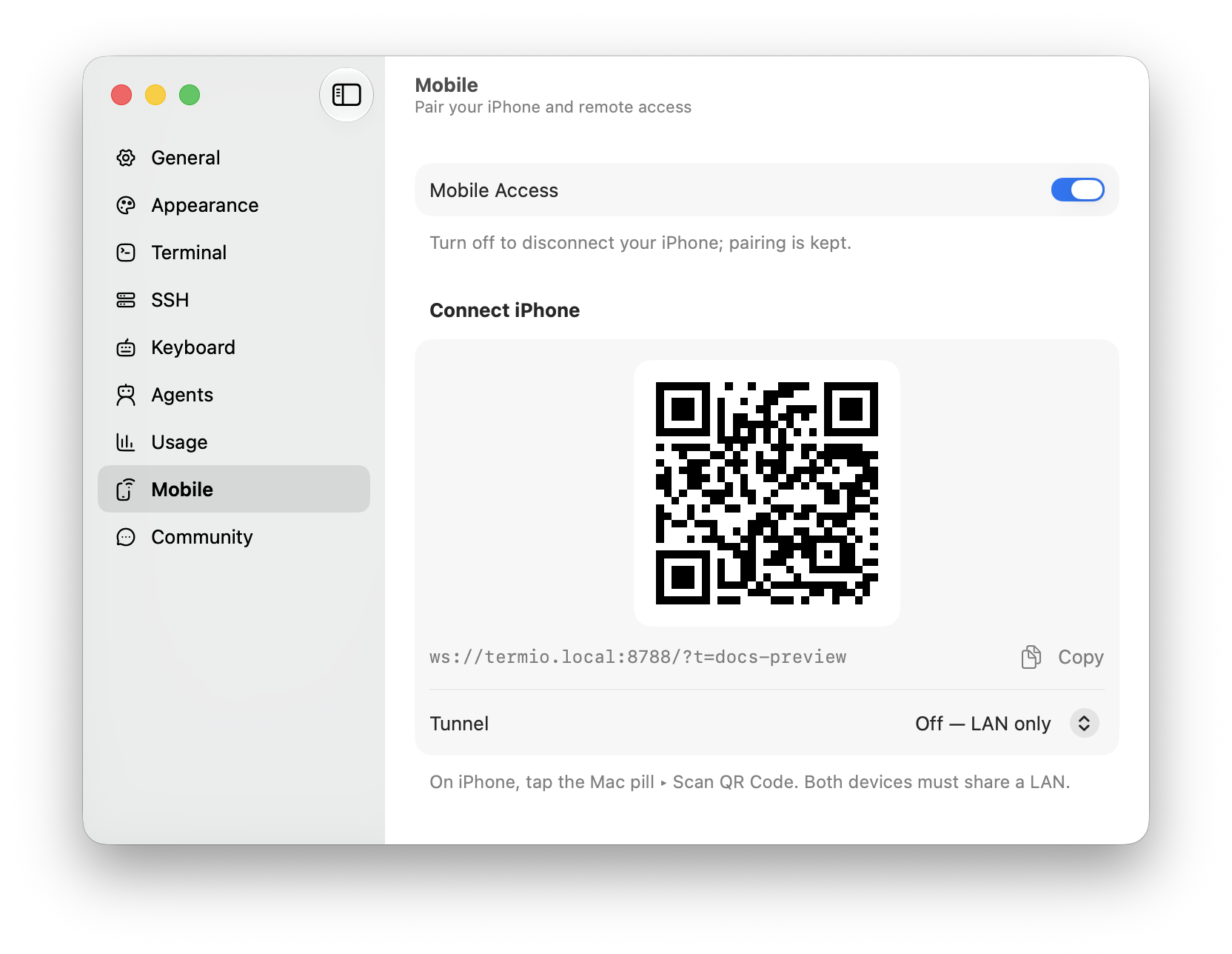
- On your Mac, open Settings ▸ Mobile and pick the machine your iPhone should connect to. Each one serves its own sessions.
- Press Publish for a machine that isn’t reachable yet, then scan the QR code from the iOS app: tap the machine pill ▸ Scan QR Code. The camera reads the code on-device; nothing is stored or transmitted.
Once paired, the phone reaches that machine’s sessions whenever it can dial the address it was paired against. Rotate Token… signs out every paired iPhone and requires a fresh scan — that’s the revoke.
A phone can attach straight to a machine that isn’t this Mac, over the same session protocol the Mac uses. Your laptop doesn’t have to be awake to stand in the middle.
What you can do from the phone
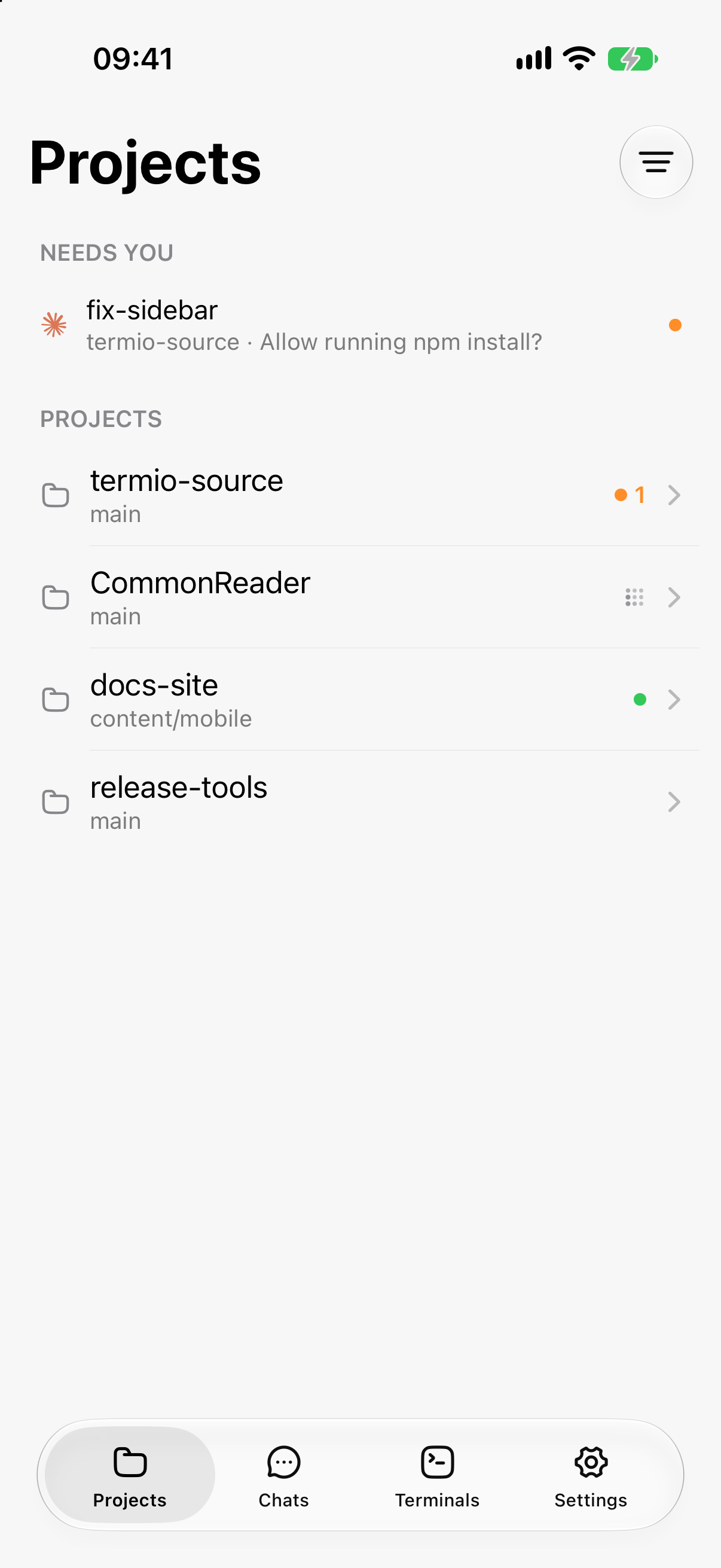
- See your projects and sessions, with the same live statuses as on the Mac. Home is one workspace at a time — swipe from the left edge for the workspace rail, the way Slack switches — and each section names the machine its workspace is on. The “Needs You” strip stays outside that scope on purpose, so an agent blocked in another workspace still reaches you.
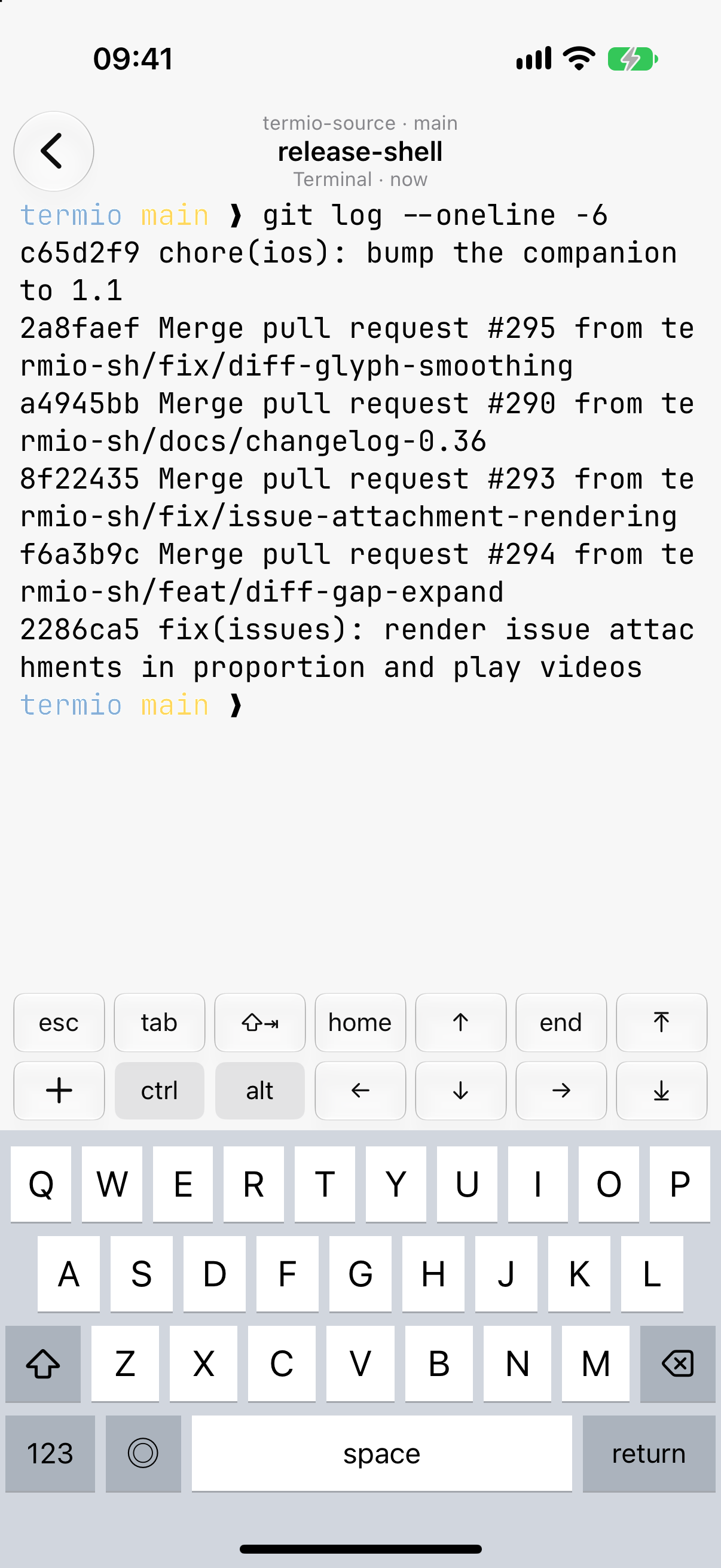
- Type straight into a session. The phone drives the real terminal — you’re typing into the agent exactly as on the desktop, with a key-bar for scrollback and jump keys, and hold-to-talk voice dictation if you enable it.
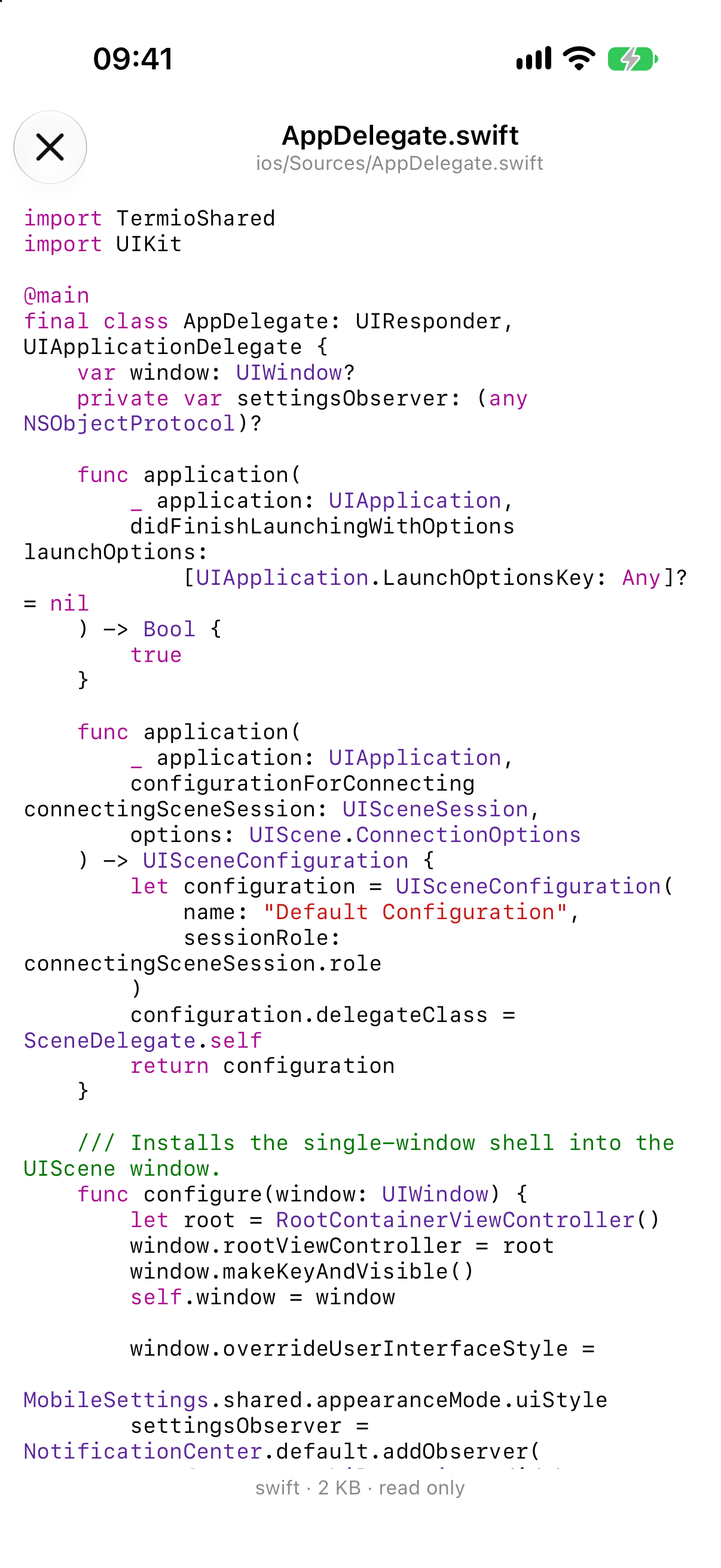
- Preview files read-only over the same connection.
Reaching a machine remotely
On the same Wi-Fi, pairing is all you need. To reach a machine from anywhere,
give it an address: Settings ▸ Mobile ▸ Tunnel starts one for you, or
Custom runs the tunnel command you choose — a named cloudflared tunnel, or
your own relay — and matches the URL it prints. Termio never routes your traffic
through servers of ours; a hosted tunnel provider terminates on theirs, which is
why Custom is there.
A Mac that’s asleep can’t answer the phone, and nothing in the app can wake it from outside. If you want a session you can always reach, run it on a machine that stays up — a VPS, or the Mac mini on the desk — and pair against that.
What survives
Sessions belong to the machine, not to the window — so closing, quitting, updating, and losing a connection all detach instead of killing. Here is exactly what survives each one, and what it costs when a process really does go away.
Command-line tool
The termio command — open a project from the shell, and the termio sessions orchestration API that lets you or another agent spawn, drive, and supervise sessions.