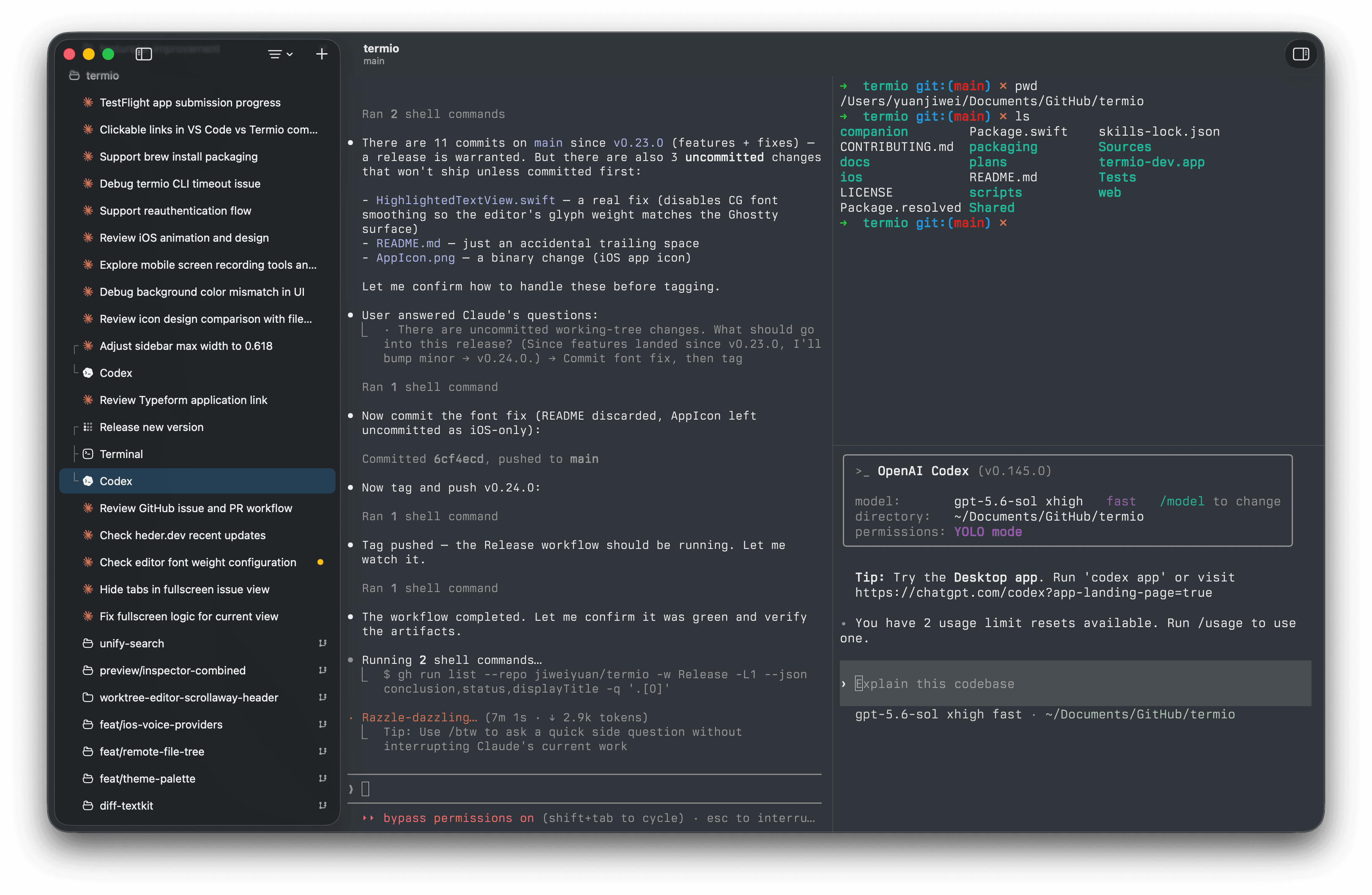
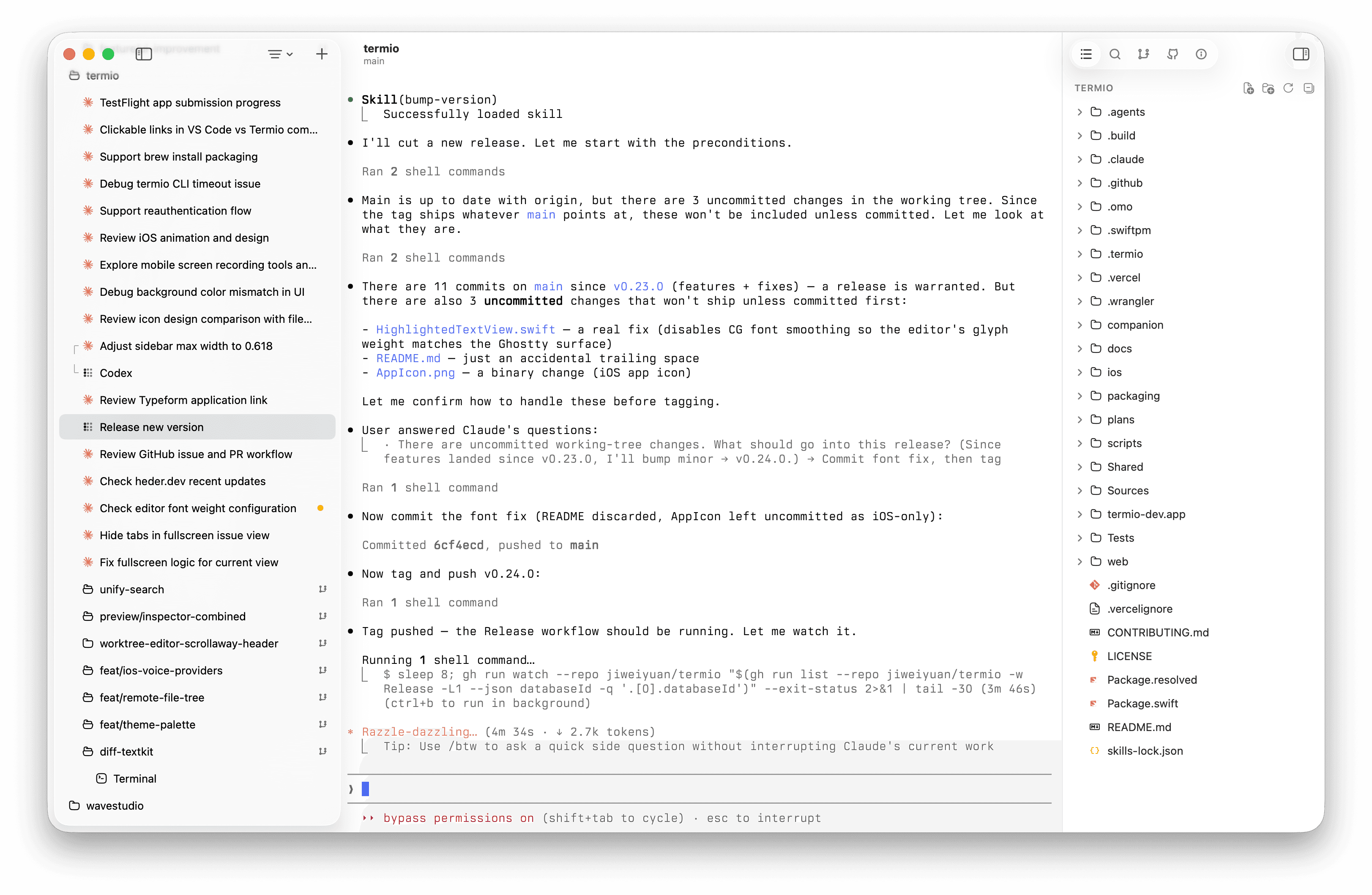
We build Terminal-first Agentic Development Environment for
Anthropic's agentic coding CLI. Session status flows into the sidebar as it works.

Terminal-first Agentic Development Environment

Requires macOS 14 or later
Anthropic's agentic coding CLI. Session status flows into the sidebar as it works.

The termio sessions CLI turns the fleet into an API: any agent — or your own scripts — can start siblings, answer their prompts, and supervise the whole project without touching a GUI.
termio://session/9b3e11d0 [done] 7 steps -> PLAN.md termio://session/7c1f2a4e [done] +412 -128, tests pass termio://session/5a77c0e2 [done] 2 nits, 0 blockers termio://session/d4e6b209 [done] clean, tagged v0.22.0 termio://session/3f8a2c11 [done] 5 themes -> FEEDBACK.md
Pinned JSON shapes, explicit waits, honest exit codes — read the API docs.
Several agents going at once, most of them fine without you, one of them stuck — Termio keeps the whole fleet in view.
Session dots show working, idle, or needs-you, aggregated into a menu-bar tray — calm while agents work, ringing the moment one is blocked on you.

Jump to any session, project, or action from one search box — themes too, previewed live as you browse, Enter to keep or Esc to revert.

Your Claude and Codex plan limits in Settings, read locally from your own credentials — no proxy, no account.

Light, dark, and a glass look that follows the system, with hundreds of built-in terminal themes or your own. A real Mac app, down to the chrome.

Also in the box: git worktrees nested under each project, a read-only git pane with unified diffs, a click-to-edit file editor, and Ghostty-style split panes.
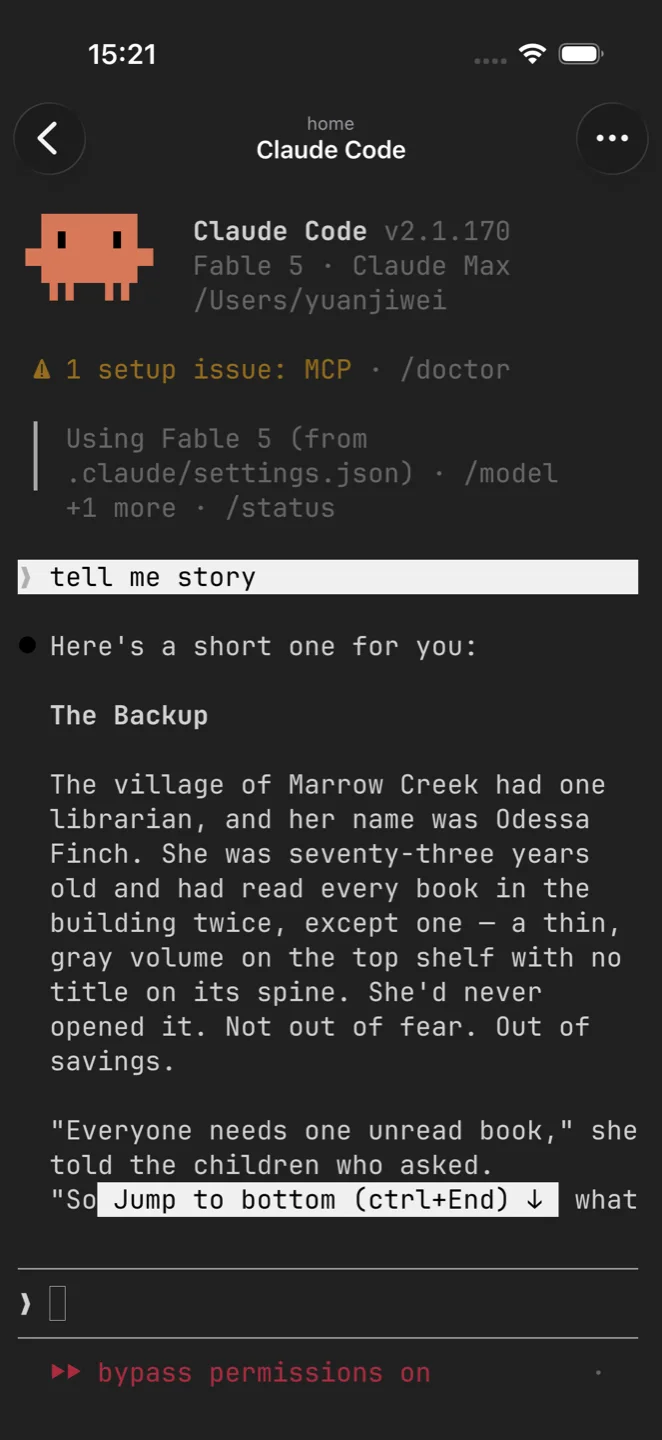
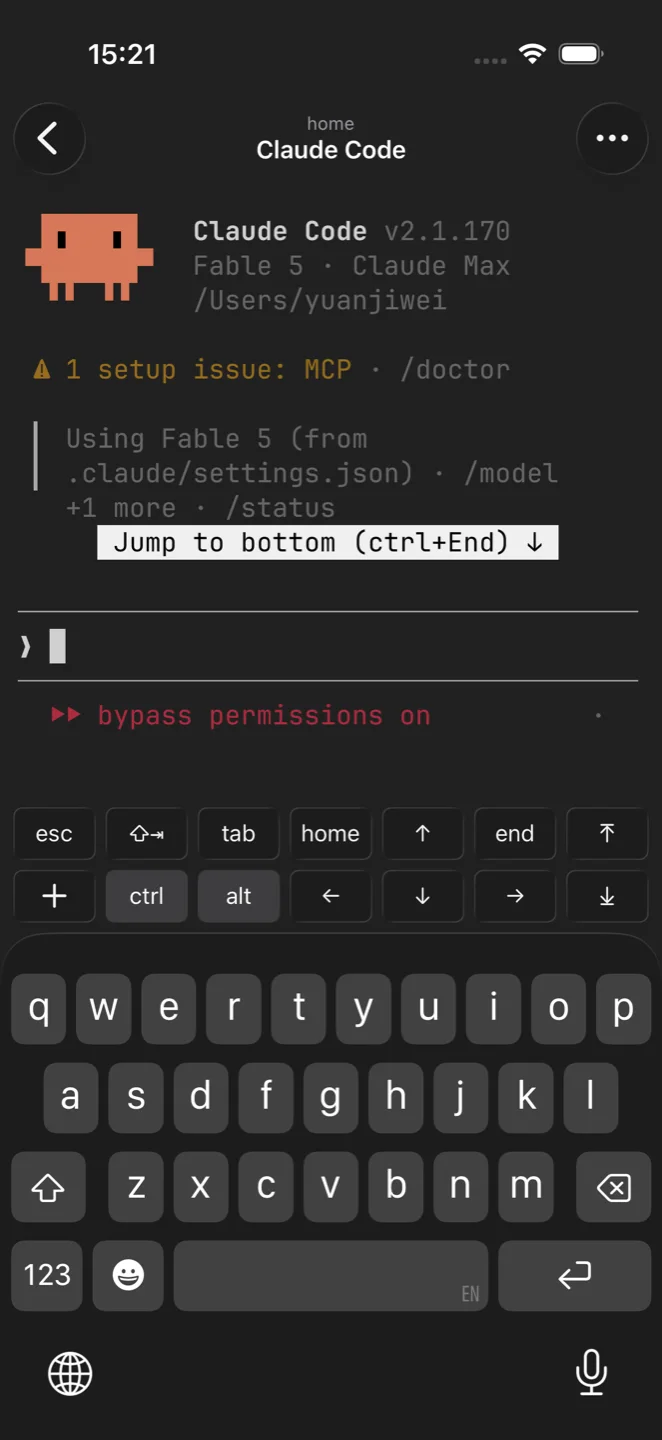
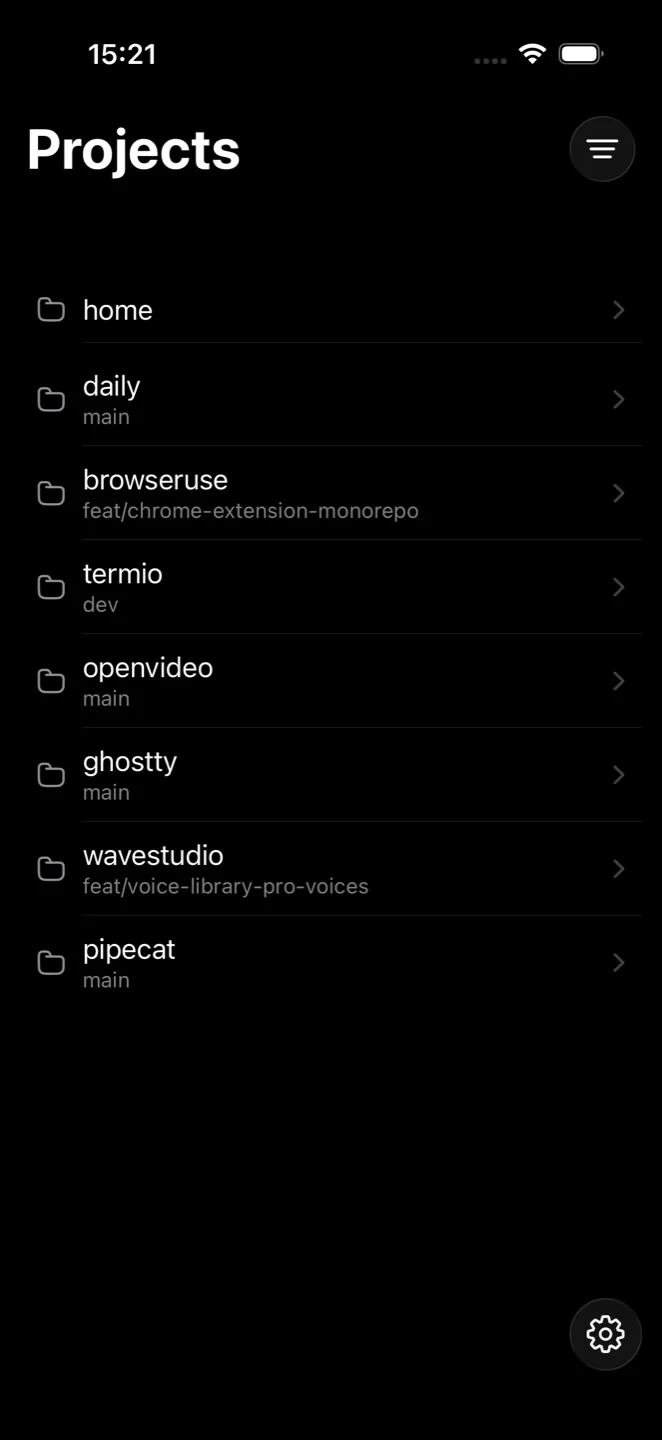
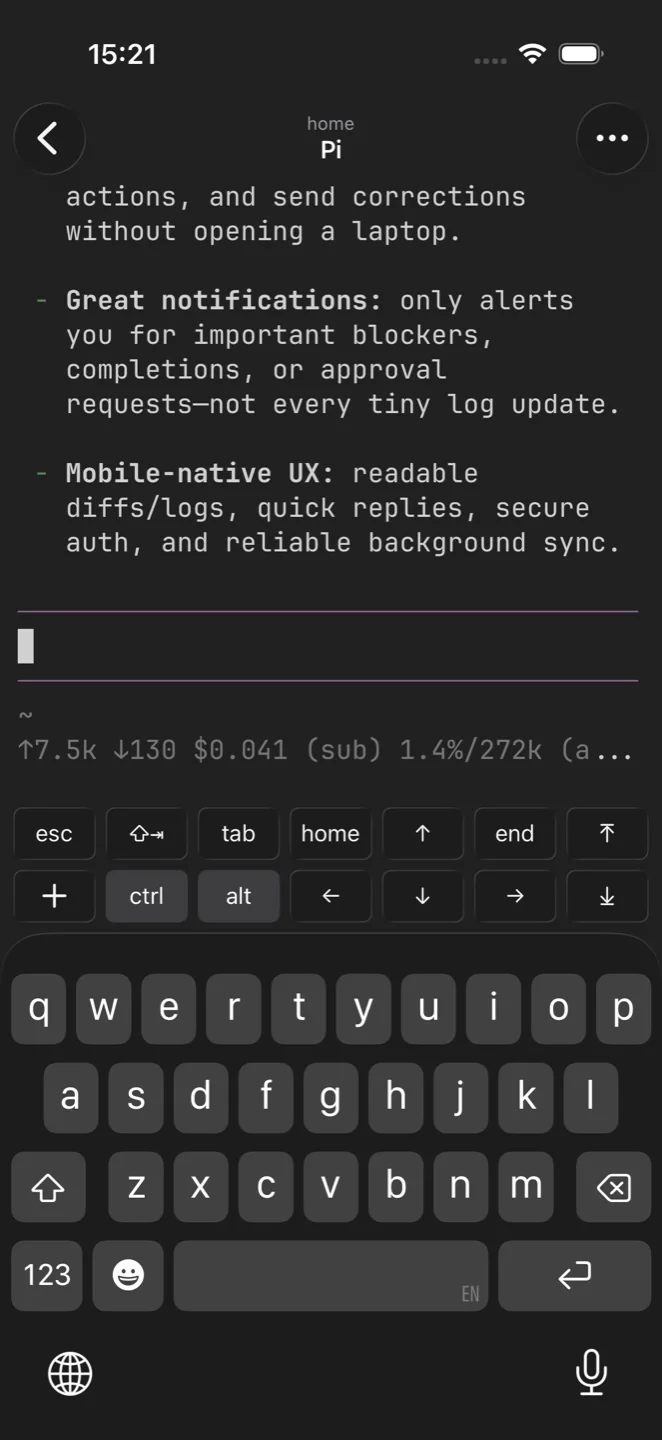
Start an agent on your Mac, then keep the same live terminal in reach from your iPhone — check progress, answer prompts, approve a blocked run.

Can't find the answer you're looking for? The docs go deeper, or reach out and a human will help.
Termio is free and open source, MIT licensed.A star helps other builders find it.
GitHub89Run Claude Code, Codex, OpenCode, Pi Agent and more side by side in one native window. Free to use — no account, no card.
Requires macOS 14 or later