
Basics
Installation
Download Termio for macOS, drag it to Applications, and let Sparkle keep it up to date — no account or license key required.
Termio runs on Apple silicon and Intel Macs from the same download. Installation is a normal drag-to-Applications — there’s no account to create and no license key to enter.
Before you begin
Termio needs macOS 14 or later, on Apple silicon or Intel. It hosts the agent CLIs you already have installed — it doesn’t bundle them.
What you need
| macOS | 14 (Sonoma) or later, Apple silicon or Intel — one universal download |
| An account | None. There is no sign-in, no license key, and no payment backend |
| Agent CLIs | Whichever you already use — claude, codex, and the rest. Termio hosts them, it doesn’t ship them |
| For another machine | Anything you can already ssh to. Termio reads your ~/.ssh/config and installs nothing as root |
Download and install
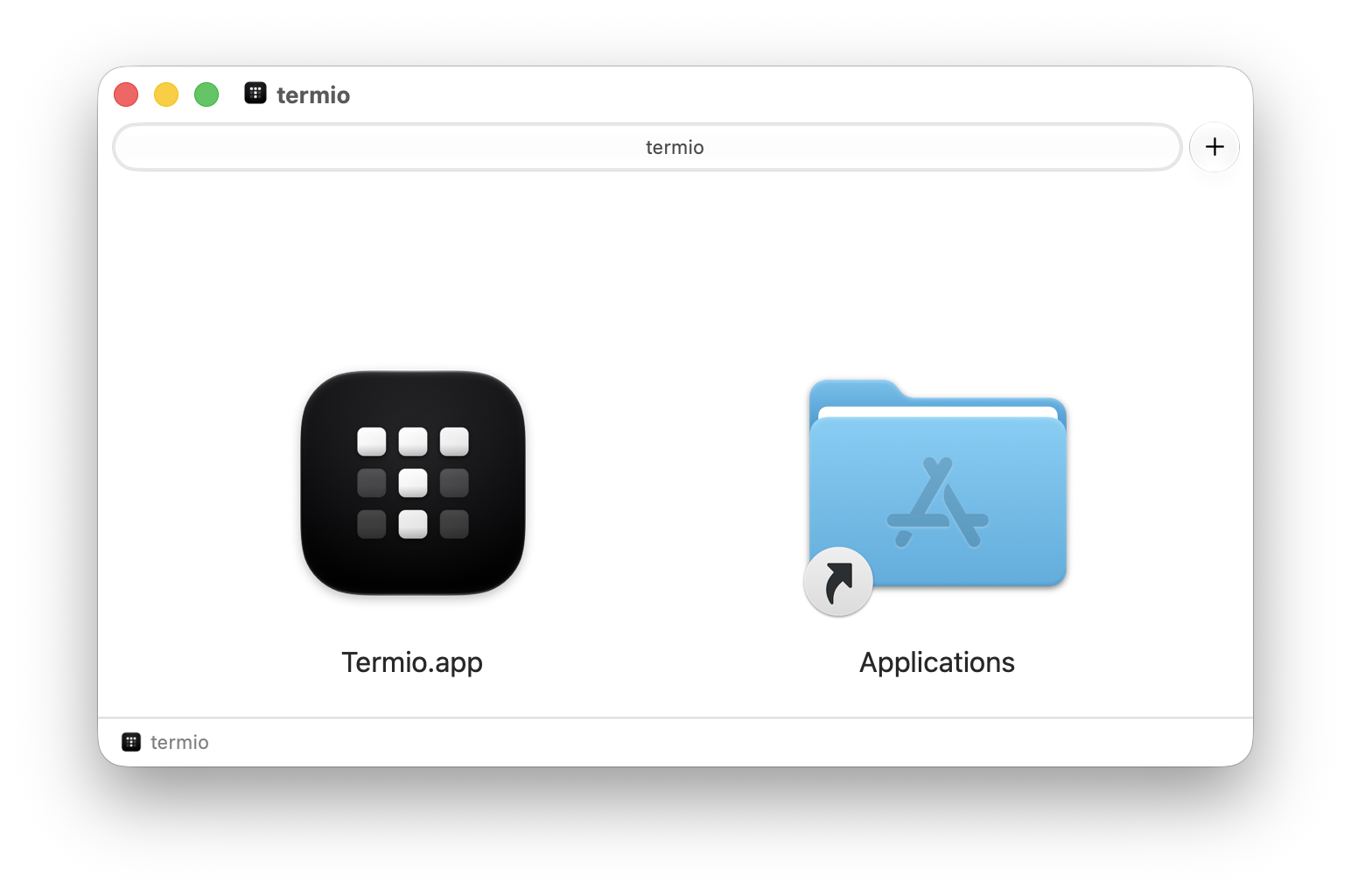
- Download the latest build from downloads.termio.sh. The link always serves the newest notarized release.
- Open the
.dmgand drag Termio into your Applications folder. - Launch it from Applications. Because the app is notarized by Apple, it opens without a Gatekeeper warning.
Check it worked
Launch Termio and you should land on the welcome screen with Open Project as the primary action. That’s the whole install — there is no setup wizard, no account step, and nothing to configure before the first session.
On first launch Termio asks once whether to let your agents coordinate — that’s
Session control, which installs a small skill teaching them the
termio sessions commands. Live agent status, the hooks behind the sidebar’s
status dots, is a separate switch on the same tab; the sidebar offers it when it
sees an agent running. Both are optional and reversible; see Status hooks &
session control.
If you already use Ghostty, there’s nothing to pick: Termio
reads your ~/.config/ghostty/config on first launch and starts with the font and
theme you chose there.
Install with Homebrew
Prefer the command line? Termio is a Homebrew cask:
brew install --cask termio-sh/tap/termioThis installs the same notarized build. Termio still updates itself through
Sparkle, so brew upgrade leaves it alone unless you pass --greedy.
Staying up to date
Termio updates itself through Sparkle. It periodically checks the download server for a newer version and offers to install it in place. The check carries no account or device identifier — the server sees only an IP address and the version being asked about.
You can trigger a check any time from Termio ▸ Check for Updates.
Bring your own agents
Termio doesn’t bundle the coding agents — it hosts the ones you already have on
your Mac. Install whichever CLIs you use (for example claude, codex, or
amp) and make sure they’re on your PATH. Termio launches each one in a
login shell, so anything your shell profile sets up will be available.
Once an agent is installed, it shows up as a launchable option when you start a session. The same is true of the agents on another machine — Termio looks for them there and installs its hooks on that box. See Devices.
The termio command (optional)
Termio ships a small command-line tool. Open Settings ▸ Server
and turn on Command-line tool to symlink termio onto your PATH. From then on
termio in any directory opens it as a project, and termio sessions … lets your
agents coordinate with each other. It’s entirely optional — see
Session control & the CLI.
Where Termio keeps things
Nothing is hidden, and nothing lives on a server of ours:
| Path | What’s in it |
|---|---|
~/.termio/ | Your config: keybindings.json, custom agent manifests under config/agents/, and the chats/ scratch directory |
~/Library/Application Support/termio/ | App state and your Themes/ folder |
~/.local/bin/ | The session host on machines you set up over SSH — termiod, plus termio on Linux. On this Mac it ships inside the app bundle and is never installed here |
| Each agent’s own config | Termio’s status hooks and its termio skill, written per agent |
Uninstalling
Quit Termio and drag it to the Trash. To remove what it wrote outside the bundle,
turn off Live agent status and Session control under Settings ▸ Agents
first — both toggles remove the hooks and the skill they installed on this
Mac, leaving anything you wrote yourself alone. Then delete ~/.termio and
~/Library/Application Support/termio if you want the state gone too.
Every other machine keeps what was installed on it until you clean it up there. Stop the server first, because removing the service alone leaves a daemon that something else started still running:
termiod stop
termiod service uninstall
rm -f ~/.local/bin/termiod ~/.local/bin/termio